
5 Laser Cutter Maintenance Tips to Keep Your Machine Running Like New
A little routine care goes a long way. These five habits will keep your laser cutting cleaner, faster, and more precise for years.
A little routine care goes a long way. These five habits will keep your laser cutting cleaner, faster, and more precise for years.
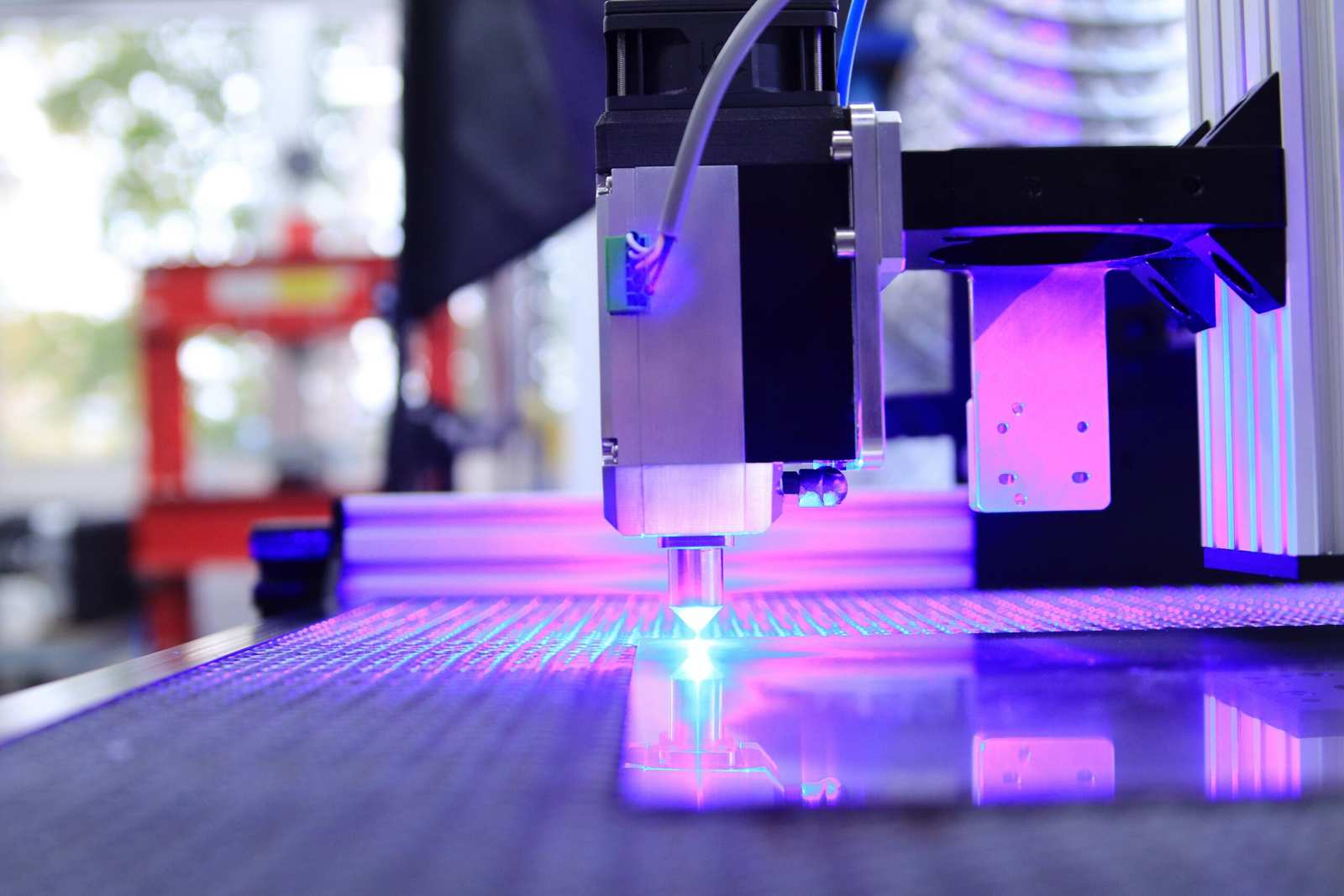
Clean the Lens Weekly
Smoke residue on the lens weakens the beam and burns edges. A quick wipe with isopropyl alcohol and a lens tissue keeps it clear.
Check Your Mirrors
Most CO2 machines have 2-3 mirrors that redirect the beam. Dust or misalignment on any one of them lowers cutting power significantly.
Inspect the Exhaust System
A clogged fan or duct traps smoke inside the machine, which settles back onto your optics. Clean filters and ducting monthly.
Keep Rails & Belts Clean
Dust buildup on the X/Y rails causes drift and inaccurate cuts over time. Wipe them down and check belt tension regularly.




Watch: a full walkthrough of cleaning laser lenses and mirrors properly.
Lighter or Charred Cut Edges
If clean cuts start looking scorched, it’s often the first sign of a dirty lens or misaligned mirror.
Slower Cutting Speed Required
Needing more passes or lower speed than usual to cut the same material means power is being lost somewhere.
Unusual Noises From the Gantry
Grinding or clicking from the X/Y rails usually points to dust buildup or a belt that needs tightening.
Inconsistent Engraving Depth
Uneven engraving across the bed can mean the bed itself needs releveling or the lens needs refocusing.
Ready to start your next project?
Keep your machine running and put it to work with hundreds of ready-to-cut laser files.
Browse Laser Cut Files →