
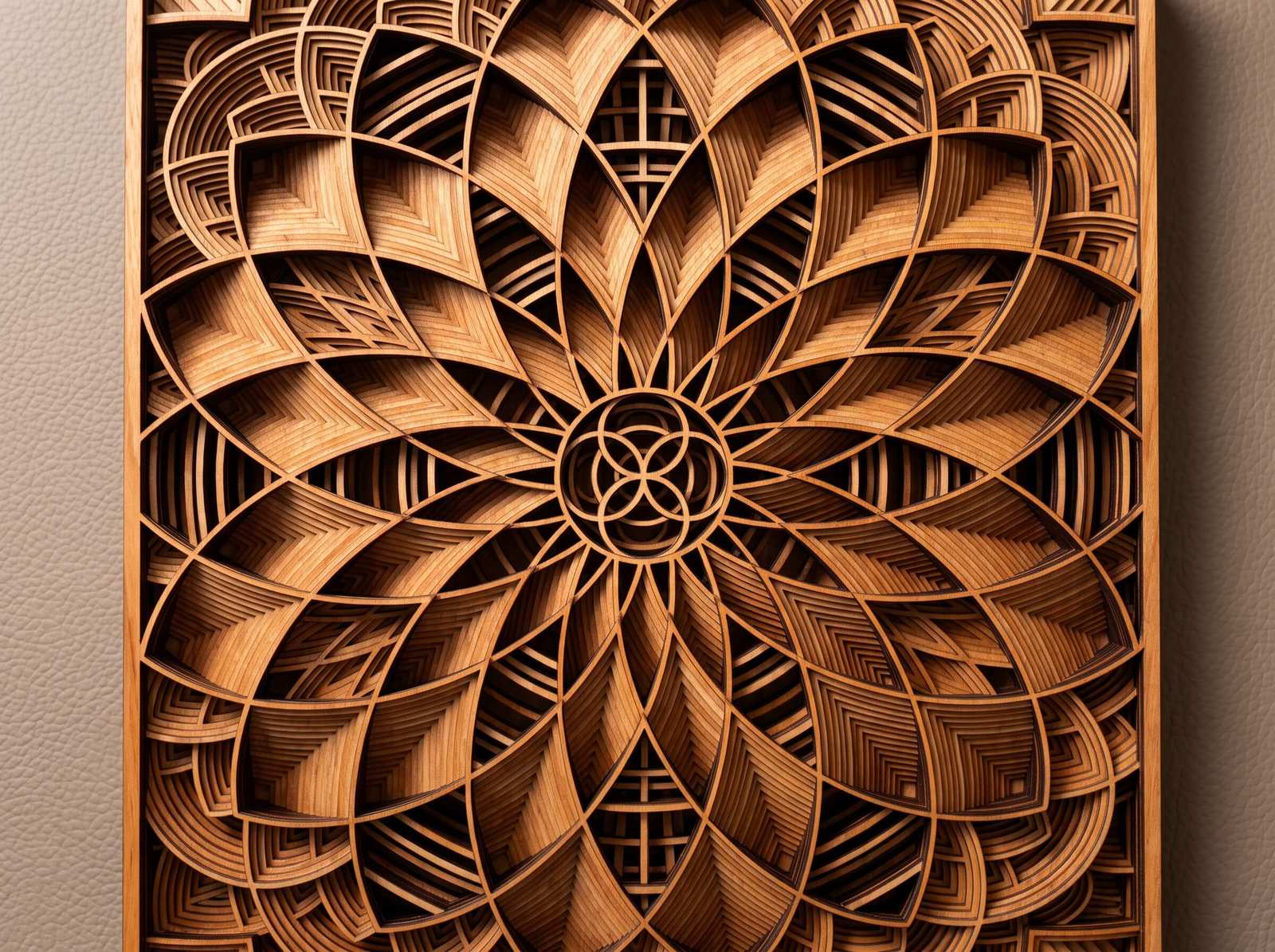
Laser Cutting Acrylic
Glass-clear edges are possible on a CO2 laser. Here is how to avoid melting, cracking and flame marks.
Acrylic is a favorite for signs, jewelry, displays and keychains because a laser can leave a smooth, polished edge that needs no finishing. The same material can also warp, craze or go cloudy if the settings are wrong, so a little preparation pays off.
Cast vs Extruded Acrylic
Cast acrylic
Generally engraves with a frosted white finish and is a good choice for engraved signs and awards.
Cuts cleanly with a CO2 laser.
Extruded acrylic
Often cheaper and more uniform in thickness. It tends to melt a little more and engraves with less contrast.
Cuts well for plain shapes.
Common Problems and Fixes
Quick method
- Choose cast acrylic from a trusted supplier.
- Check the focus and clean the lens first.
- Test a small square at your starting settings.
- Adjust speed first, then power, in small steps.
- Cut with air assist and ventilation on.
Watch: Cutting Acrylic with a Laser Cutter
Most diode lasers cannot cut clear acrylic because the beam passes through it. If acrylic is your main material, a CO2 laser is the right tool.