
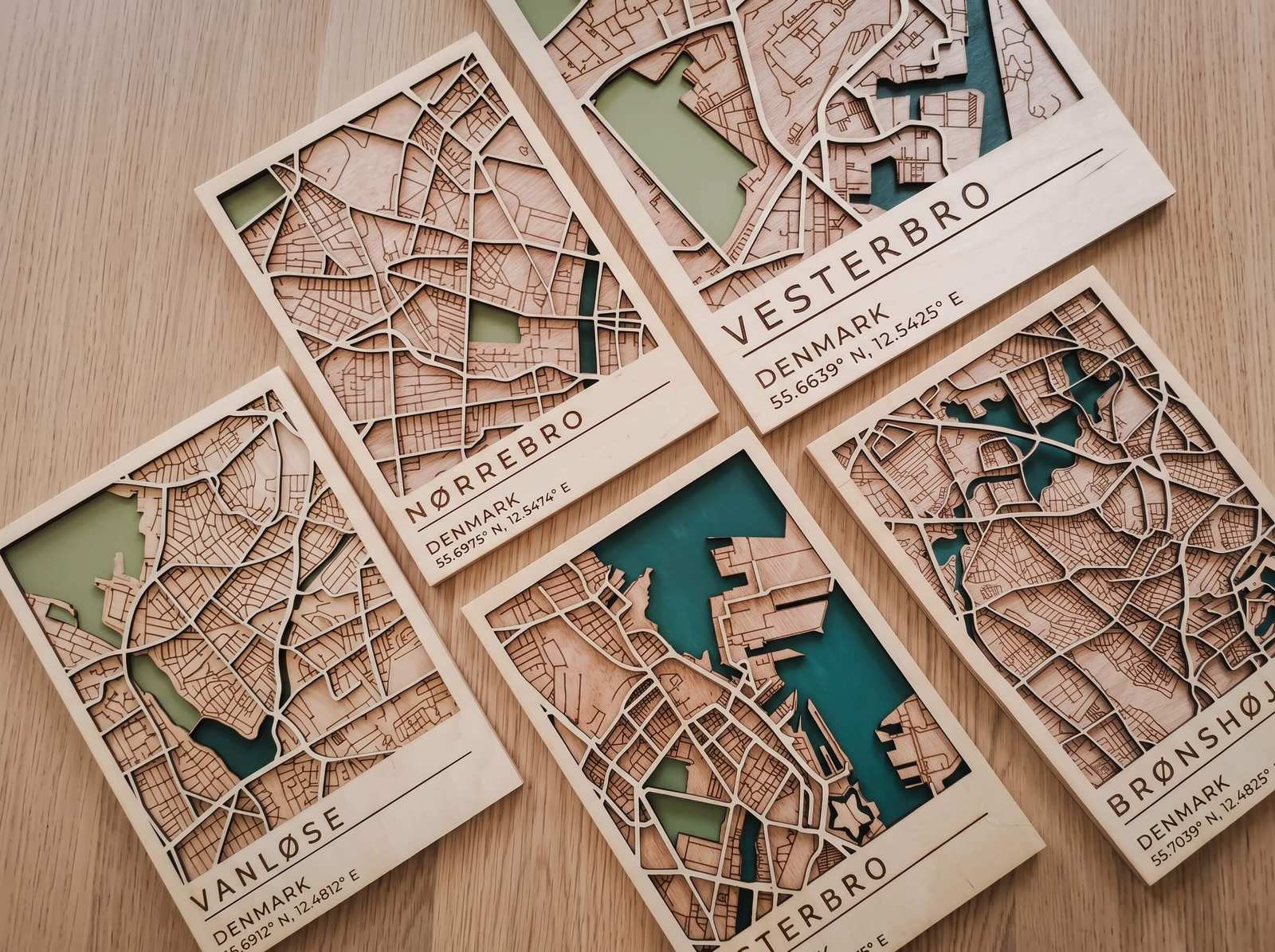
Laser Cutting vs Laser Engraving
Same machine, different job. Here is how to tell them apart and set each one up.
If you are new to lasers, the words cutting and engraving can sound like different machines. In reality most laser cutters do both, and the difference lies in how the beam is used. Understanding it helps you choose the right file, settings and materials every time.
Three Modes, One Laser
Cut
The beam follows a line slowly enough to go all the way through the material and release the shape.
Vector lines, high power, lower speedEngrave
The beam sweeps back and forth like a printer and removes a thin layer of the surface to create an image.
Filled areas or images, fast speedScore
A light line that marks the surface without cutting through. Used for folds, guides and detail.
Vector lines, low power, high speedSide by Side
| Cutting | Engraving | |
|---|---|---|
| File type | Vector lines (SVG, DXF) | Filled shapes or raster images |
| Depth | Through the material | Surface only |
| Speed | Slower | Faster |
| Typical result | Separate shapes and parts | Logos, photos, text and patterns |
Watch: Laser Cutter vs Laser Engraver
Combine them in one job
Most projects use both. Engrave the design first, then cut the outline last, so the piece does not move while it is being engraved.
Once you understand these three modes, any laser project becomes a question of assigning the right mode to each line and color in your file.